
 Add to Chrome
Real-time cues
Answers appear the instant a question lands
Sidecue detects when a question is asked and streams a personalized, ready-to-speak answer into your sidebar within seconds. No typing, no scrambling. Just glance and keep talking.
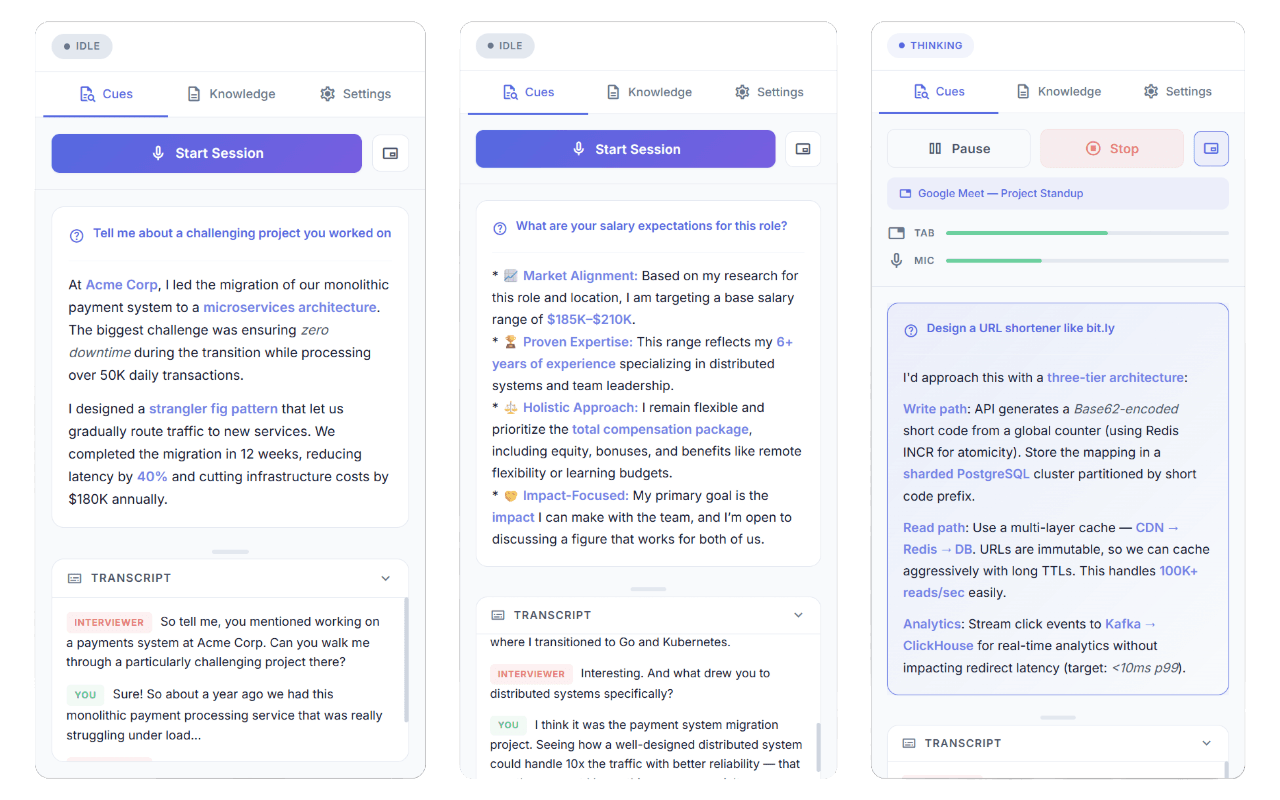
Sidecue listens to your call, catches each question, and streams a personalized answer into your sidebar within seconds. Completely private to you.
Works with every browser-based meeting. If it plays audio in a Chrome tab, Sidecue runs alongside it.


Plus GoTo, Jitsi, Whereby, Slack Huddles, Discord, HireVue, Karat, CoderPad, HackerRank, and CodeSignal.
Real-time transcription, AI-generated cues, and a knowledge base that makes every answer personal.
Real-time cues
Sidecue detects when a question is asked and streams a personalized, ready-to-speak answer into your sidebar within seconds. No typing, no scrambling. Just glance and keep talking.
Grounded in your context
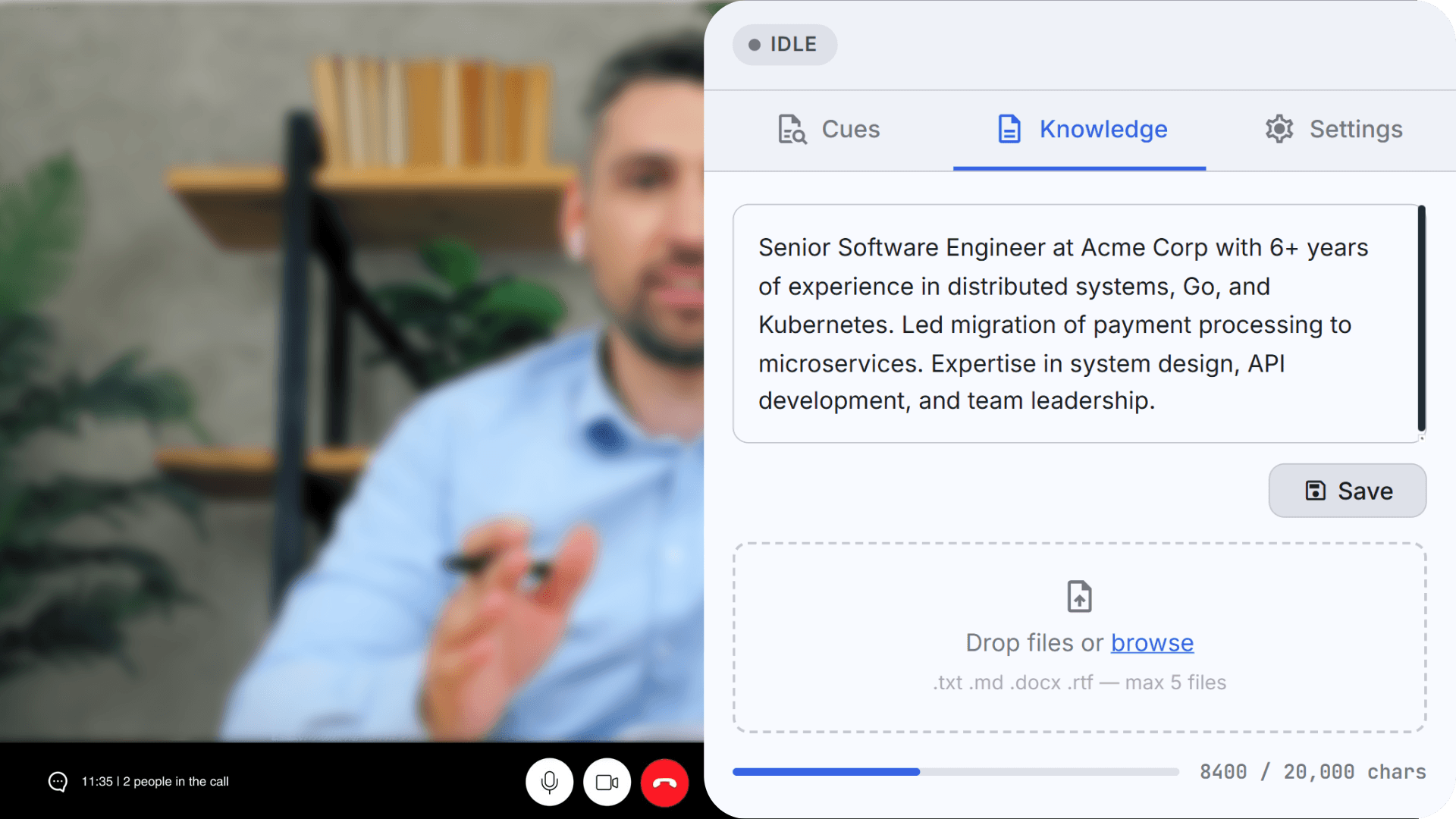
Upload your resume, job description, product specs, or battle cards. Sidecue grounds each cue in your real details: actual project names, metrics, and wins.
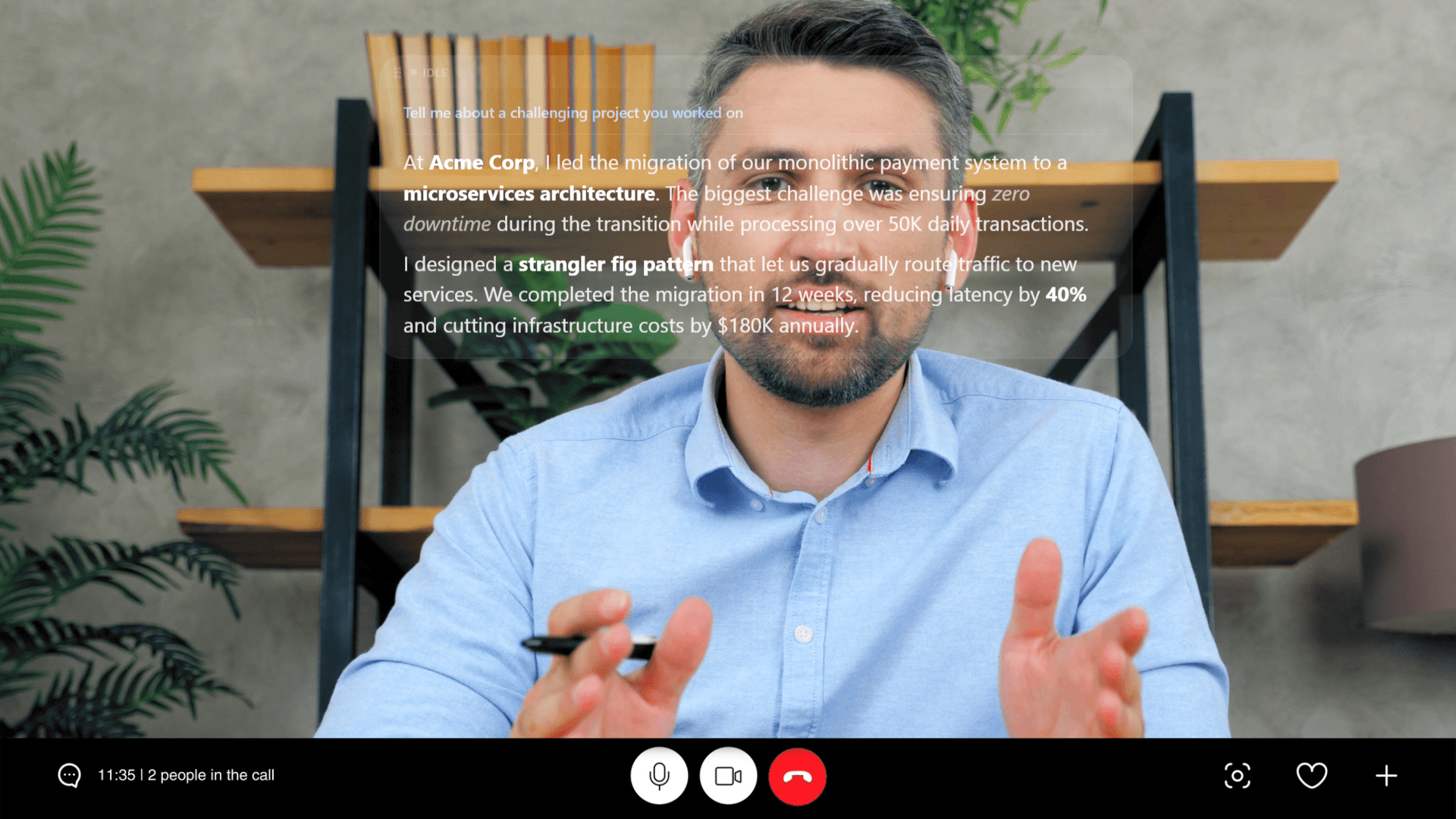
Floating overlay
Pin a translucent cue display right over your meeting tab. Drag it anywhere, resize it, and tune the opacity so you can read your answer while looking straight at the camera.
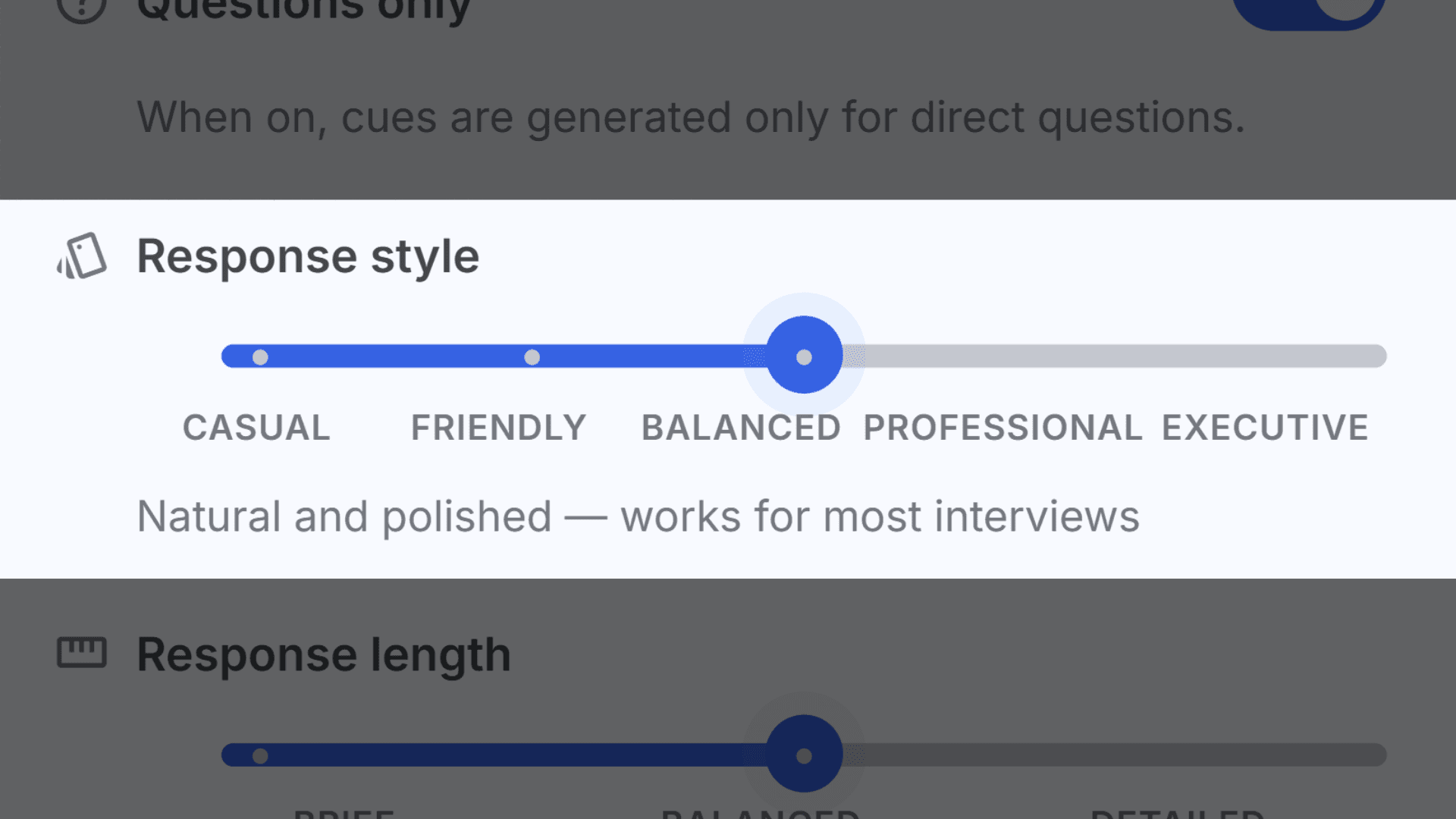
Dial your tone from casual to executive. Sidecue matches vocabulary, structure, and formality to the room.
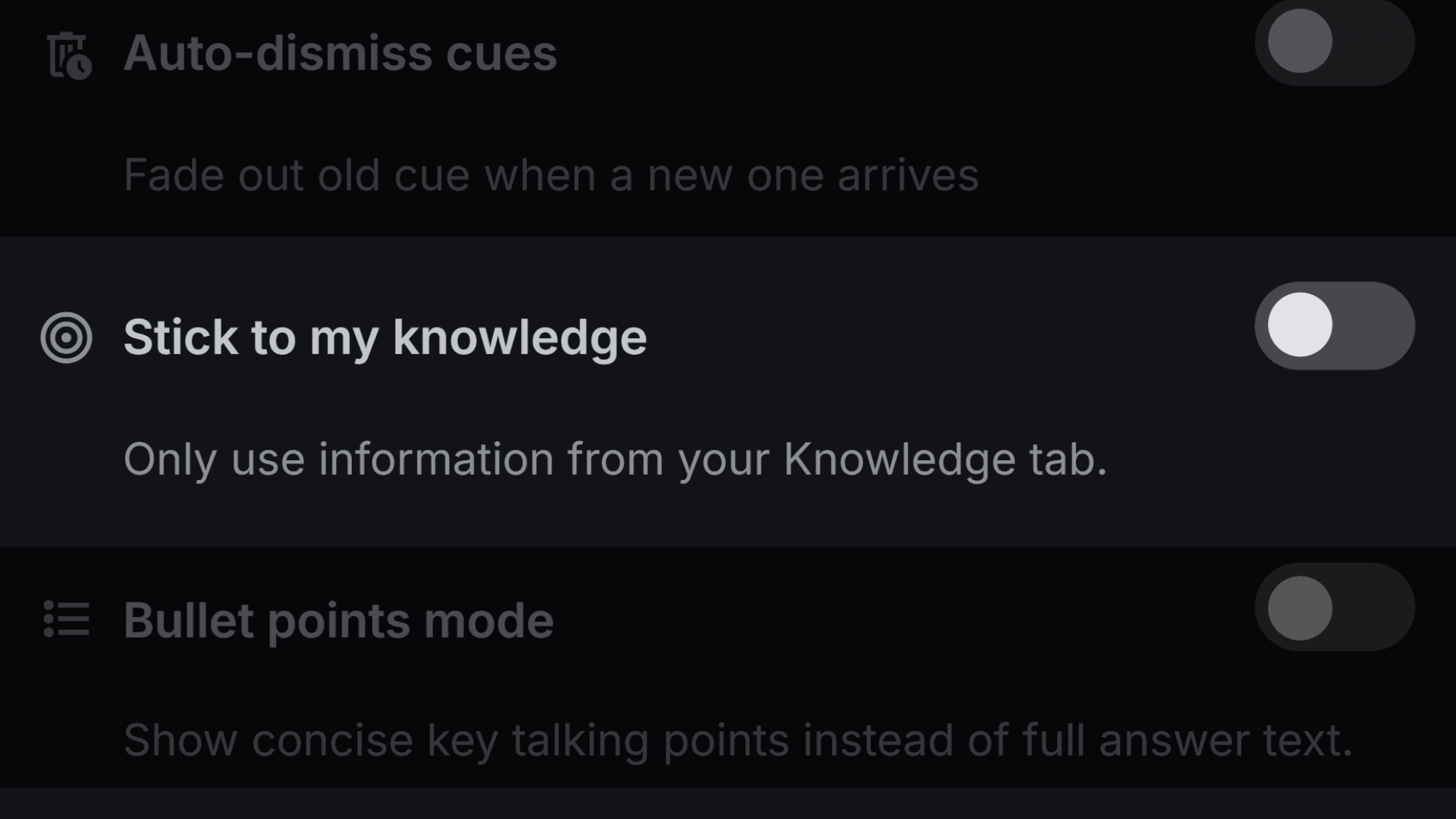
Lock Sidecue to facts from your Knowledge tab only. No invented metrics, no hallucinated names.
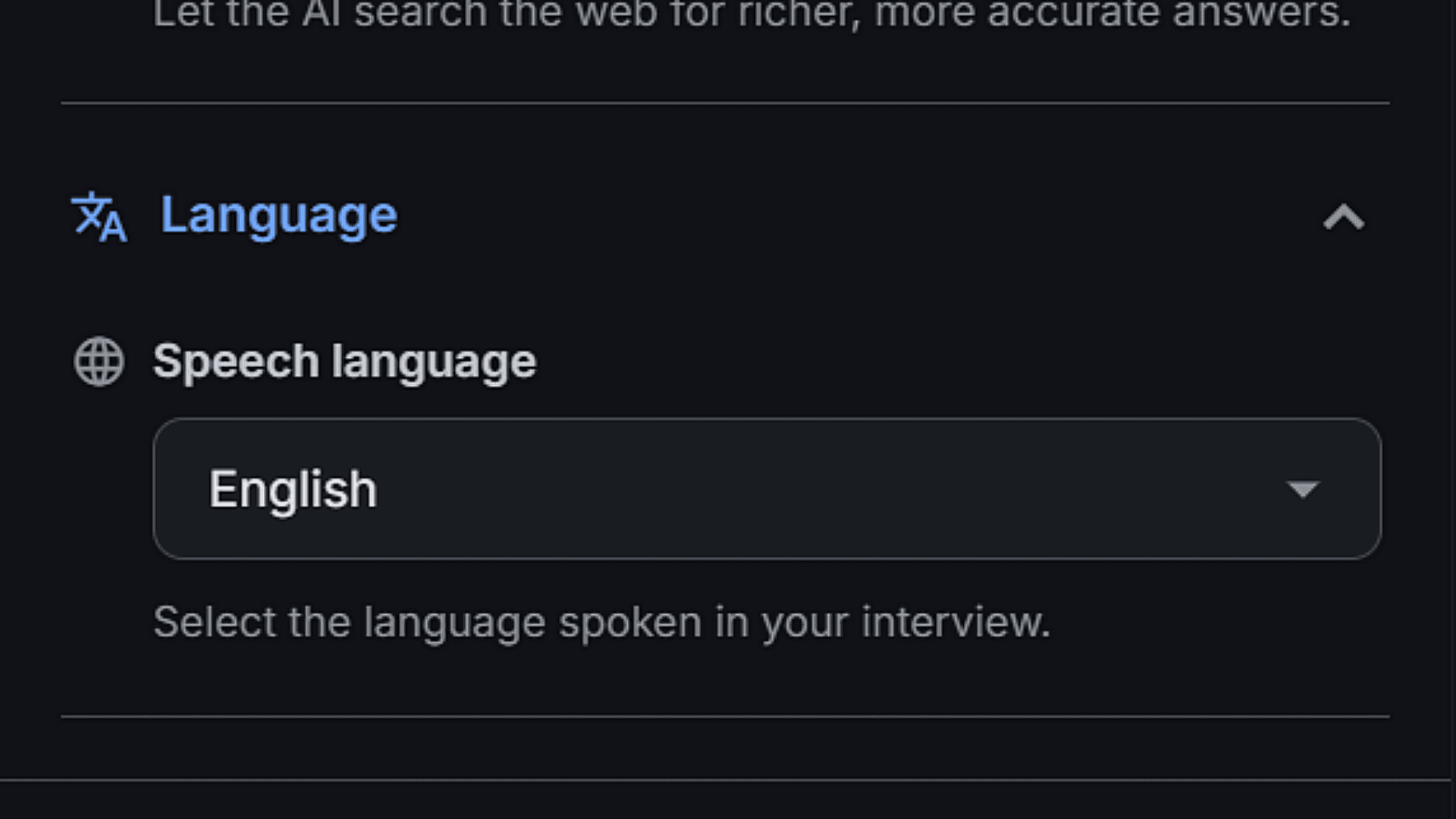
Speech recognition and cues in 20 languages. Sidecue replies in the language being spoken.
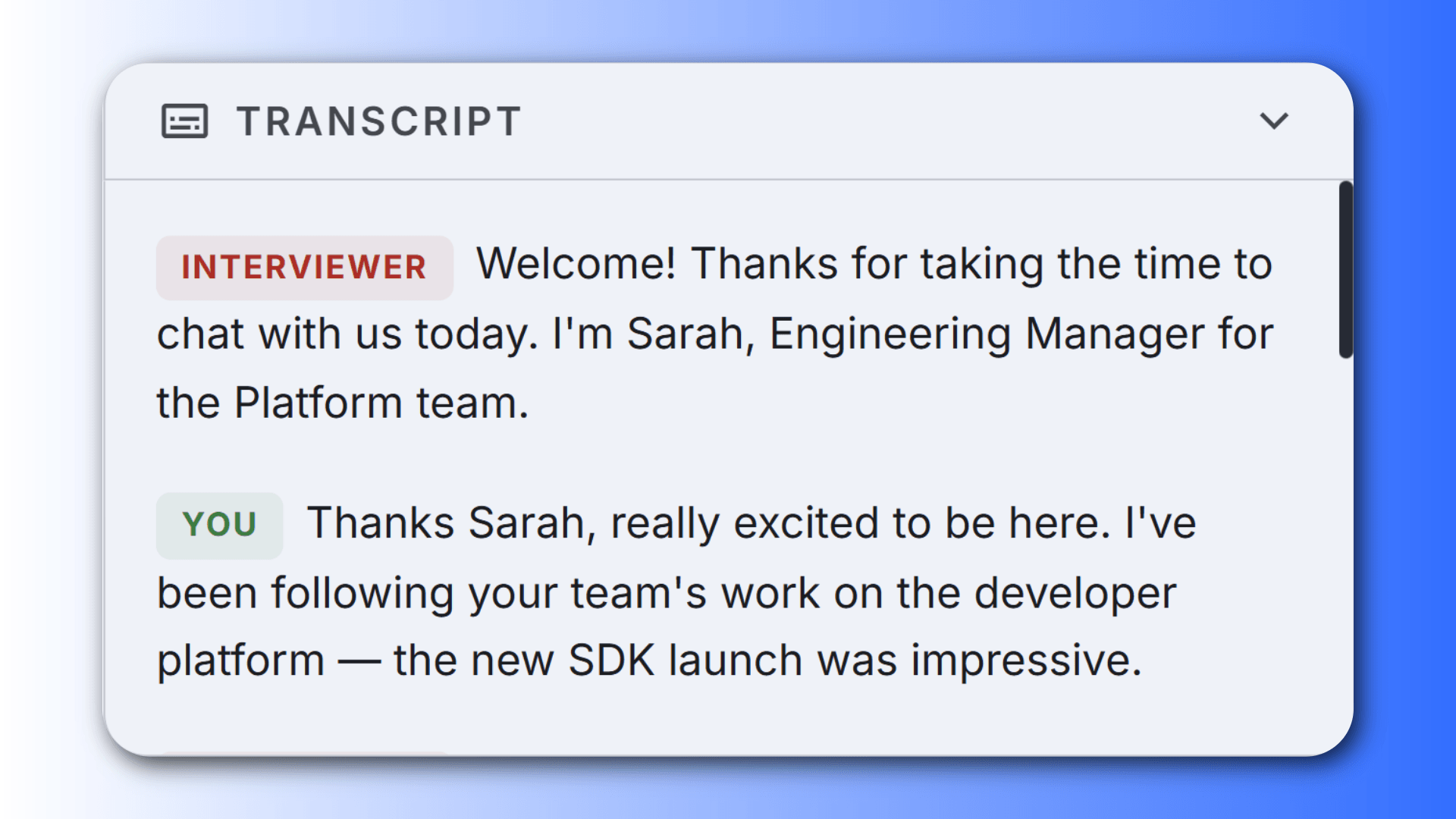
A full, speaker-labelled transcript in the sidebar. Real-time, resizable, always in sync.
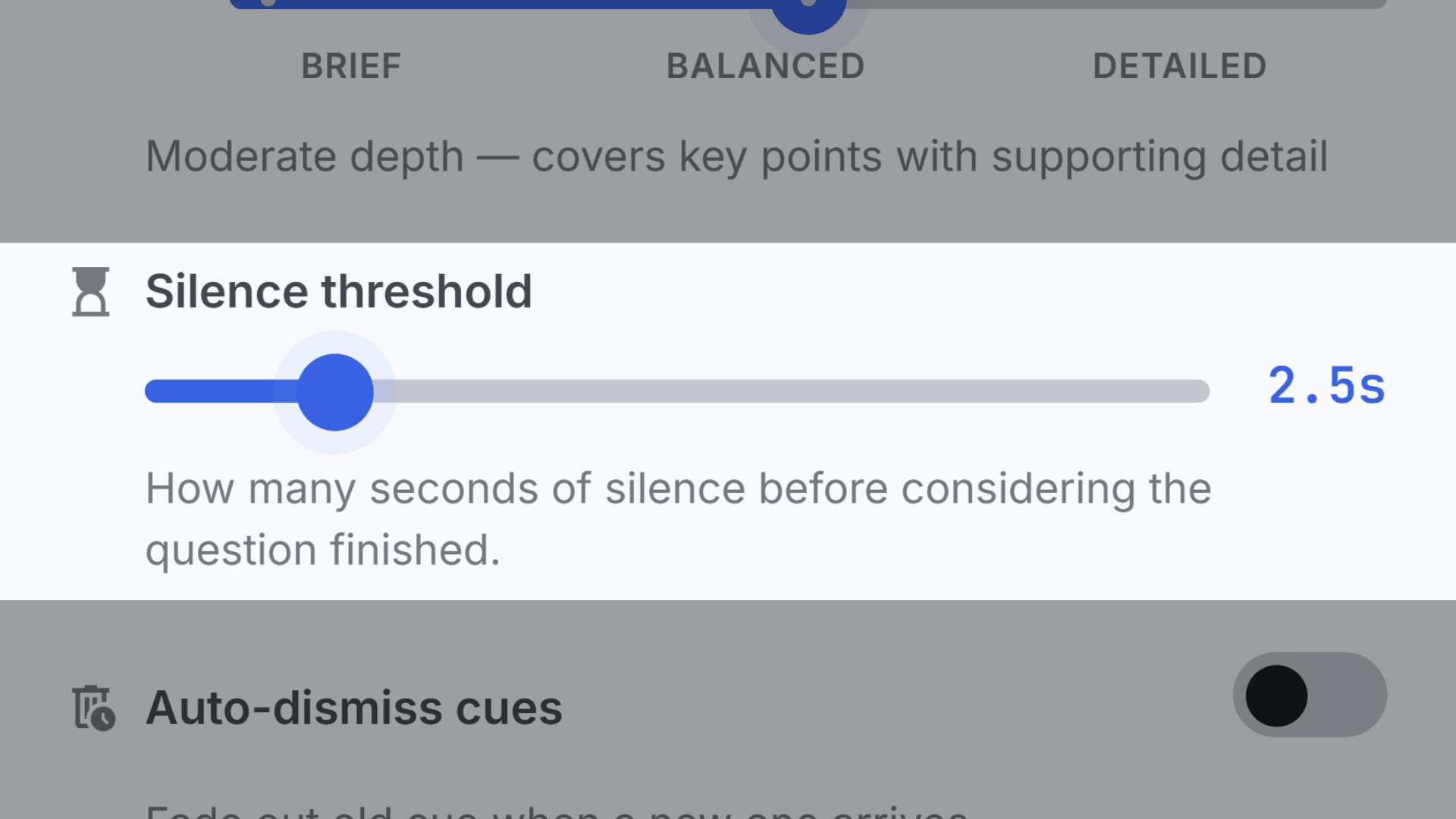
Tune how long a pause counts as a finished question. Longer for thoughtful speakers, shorter for rapid Q&A.
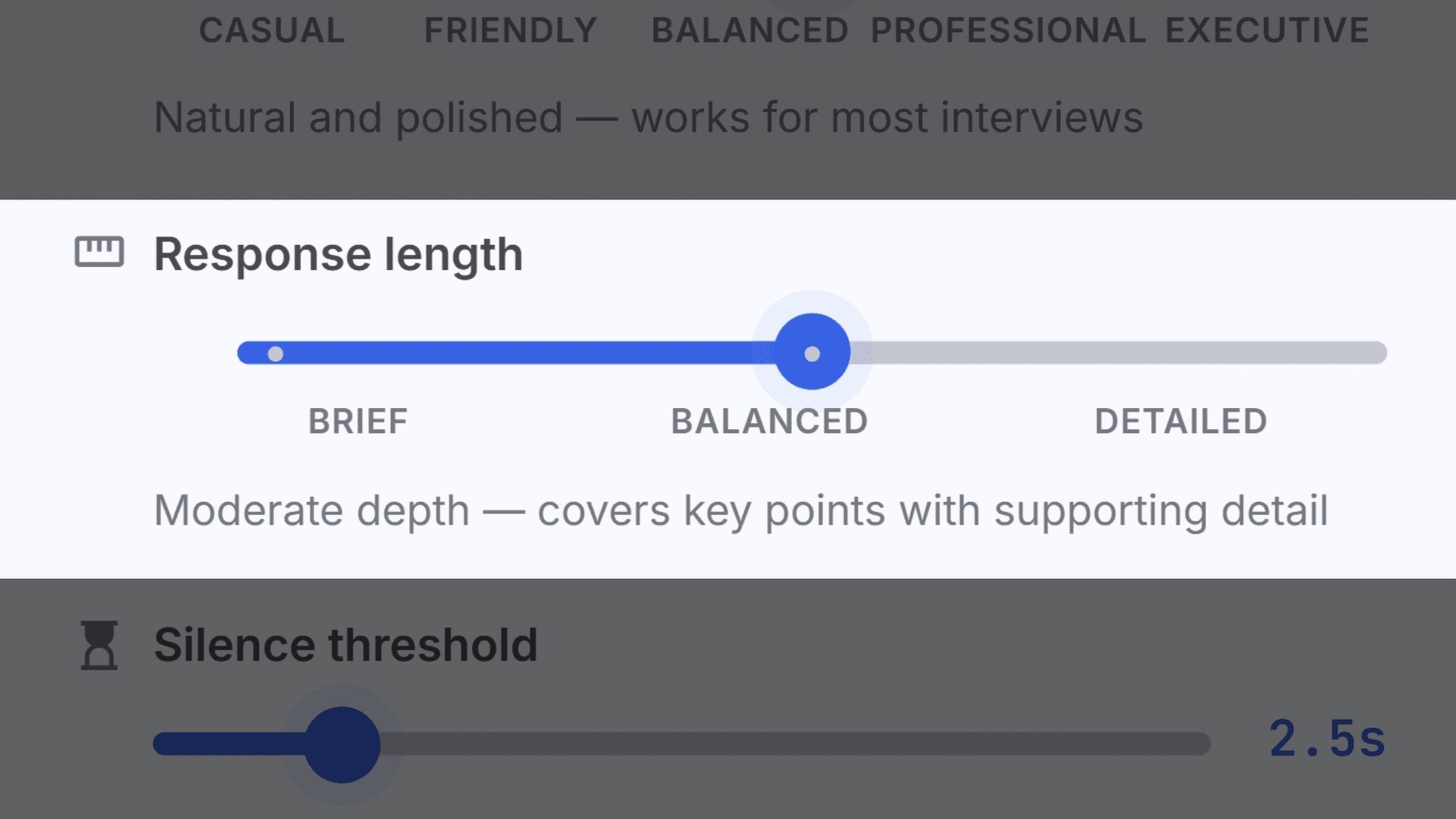
Brief mode for quick answers. Detailed mode for full STAR stories with metrics and context.
Install the extension and open your meeting or interview in a Chrome tab. Meet, Zoom web, Teams, or any browser call.
Optional, but powerful. Paste notes or upload your resume, specs, or battle cards so cues sound exactly like you.
Sidecue transcribes the call, spots each question, and streams a ready-to-speak answer into your sidebar in seconds.
Whether you're interviewing for a new role or presenting to the board, Sidecue helps you find the right words at the right moment.
Sidecue keeps your stories, numbers, and talking points one glance away when pressure hits.
Upload battle cards and specs. When a prospect pushes back, the answer is already on screen.
Load quarterly data and OKR progress. Answer from real numbers, not memory.
Upload your thesis and citations. When the committee probes, Sidecue recalls the specifics.
Load your knowledge base. Pull the accurate answer without putting anyone on hold.
Think in one language, speak confidently in another. Natural phrasing, in real time.
Use Sidecue as a teleprompter. Upload your outline and get flowing talking points in the overlay.
Start with 30 free minutes every month. No credit card, no setup headache.
30 free minutes every month. No credit card needed. Paid plans are billed from inside the extension.
30 minutes of session time each month. Full access to every feature.
10 hours a month. Plenty for daily meetings and calls.
25 hours a month. Built for power users and all-day workflows.
Install free from the Chrome Web Store, then manage your plan from inside the extension.
Sidecue captures audio from your meeting tab and transcribes the other side in real time. The moment it detects a question, it sends the transcript to a large language model, personalized with your resume, notes, or job description if you've added them, and streams a suggested answer into your side panel or floating overlay within seconds.
No. Sidecue runs entirely on your side, a side panel or overlay visible only on your screen. It never joins the call, injects anything into the video, or triggers a bot-joined notice. One caveat: if you screen-share, the overlay will appear on the shared screen, so use the side panel or close the overlay before sharing.
No. Audio is streamed to our speech-to-text provider for live transcription and immediately discarded, never saved to our servers. Transcripts live only in your browser session, and cues are generated through secure, authenticated functions that we don't log.
Any meeting that runs in a Chrome tab: Google Meet, Zoom web, Microsoft Teams web, Webex, GoTo, Jitsi, Whereby, Slack Huddles, Discord, and more. It also works with interview platforms like HireVue, Karat, CoderPad, HackerRank, and CodeSignal.
20 languages: English, Spanish, French, German, Italian, Portuguese, Dutch, Polish, Ukrainian, Russian, Japanese, Korean, Chinese, Hindi, Arabic, Turkish, Swedish, Danish, Norwegian, and Finnish.
30 minutes of session time every month with full access to every feature. Time counts only while audio capture is active, and your allowance resets automatically each month.
No. Sidecue captures Chrome tab audio, so your meeting needs to run in the browser. Join Zoom via the web client at app.zoom.us, open Teams at teams.microsoft.com, and use Google Meet as-is.
Add Sidecue to Chrome and get 30 free minutes every month. No credit card, no setup headache.